
Perforce on Dev Stream Labs
Dev Stream Labs hosts a Perforce Helix Core server for your project, right next to the build farm that builds it. This guide covers everything you can do with it: creating the server, bringing an existing one across, pulling your own backups, and starting builds on every submit. Every host, address and fingerprint you see here is example data for a fictional project called starfall.
What you get
One Perforce service per project, on the Free plan or the Team plan. When it is ready you have a p4d reachable only over TLS, an administrator account under a name you chose, and, on the Team plan, a standby server and Helix Swarm for code review. Two optional flows attach to it: a self-service backup endpoint you pull from, and a check-in trigger that sends each submit to Build Stream. Build Stream itself, the service that turns those submits into builds, has its own guide.
| What it is | Where you find it | |
|---|---|---|
| Perforce server | A p4d, TLS only, on the port shown on your connection card. The Team plan adds a standby for failover. | Source Control Hosting → Server Configuration |
| A plan | Free (5 people, 20 workspaces, 80 GB) or Team (6 to 23 people, billed monthly). The app labels Team Paid. | Chosen on the create form; shown on the People panel |
| Administrator account | The Perforce account you name when you create the server (sam in this guide). A full member of the team: your own day-to-day work, plus adding people and setting permissions in P4Admin. Its temporary password is emailed to the project maintainer once and must be changed at first sign-in. | The Perforce is ready email |
| Helix Swarm | Code review, on the Team plan. Turn it on with a switch; sign in with your Perforce account. | The Code review (Swarm) card on the hosting page |
| Backup & export | A read-only endpoint locked to one address; you run the copy. | Source Control Hosting → Backup & Export |
| Build on check-in | A switch. On, every submitted changelist is posted to Build Stream. On the Free plan it uses one of your 5 people while it is on. | The Build on check-in card on the hosting page |
Choose your path
The four flows are independent. Pick the one that matches your situation; you can come back for the others.
Migration and export are opposites
Both involve rsync and an SSH key, and they are easy to confuse. They move data in opposite directions and the roles are reversed. Check this table before you start either.
| Bring an existing server across | Back up and export your data | |
|---|---|---|
| Use it when | You already run Perforce elsewhere and want to move onto our platform. | Your Perforce server runs on our platform and you want your own off-site copy. |
| Data moves | From your current server to your new server here. | From your server here to your backup machine. |
| Who runs rsync | We do. | You do, with a command we generate. |
| Whose SSH key | Ours. You install its public half on your current server. | Yours. You paste its public half into the app. |
| When it is available | Only when the server is created, by choosing Bring my server across. | Any time, on a live server. |
| It ends with | A live server here, adopted from your data. | A standing endpoint and a restorable copy on your machine. |
The reliable tell: a screen about installing our key on your server is migration. A command you run against our server is export.
Words this guide uses
| Term | Meaning |
|---|---|
P4PORT | The address a Perforce client connects to. Hosted servers are TLS only, so it always starts with ssl:, for example ssl:p4.starfall.northwind.example.com:1031. |
| SSL fingerprint | The server certificate's fingerprint, shown on the connection card and in the ready email. You compare it when you first connect (p4 trust). If it does not match, you are not talking to your server. |
dsl_admin | Our operator account on your server, used to look after it: checkpoints, backups, verification and restarts. It cannot read your files, takes none of your seats, and its password is never shared. |
| People, seats | A person is a standard Perforce user on your server. The Free plan holds 5; on the Team plan you buy a number of seats and can change it. The app counts them on the People panel. |
| Free, Team, Paid | The two plans. The app calls the Team plan Paid; this guide says Team except when quoting the app. |
| Recorded, then applied | Saving a setting in the app records what you asked for. A background pass then applies it to the live server, usually within a minute. The page shows the setting as pending until that happens. A save that succeeded is a request that was accepted, not a change that is finished. |
| Estimated progress | Transfer percentages are estimates. rsync discovers files as it goes, so the total can grow while a copy runs. |
| Project maintainer | The person whose email address is on the project. Provisioning emails, including the admin password, go to them. |
Where things live in the app
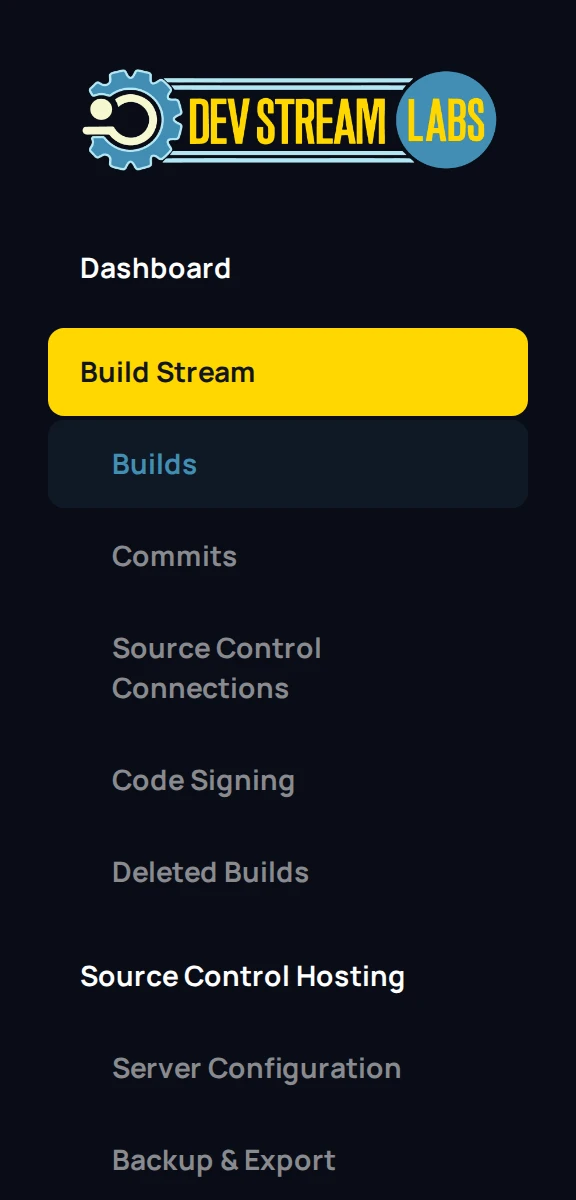
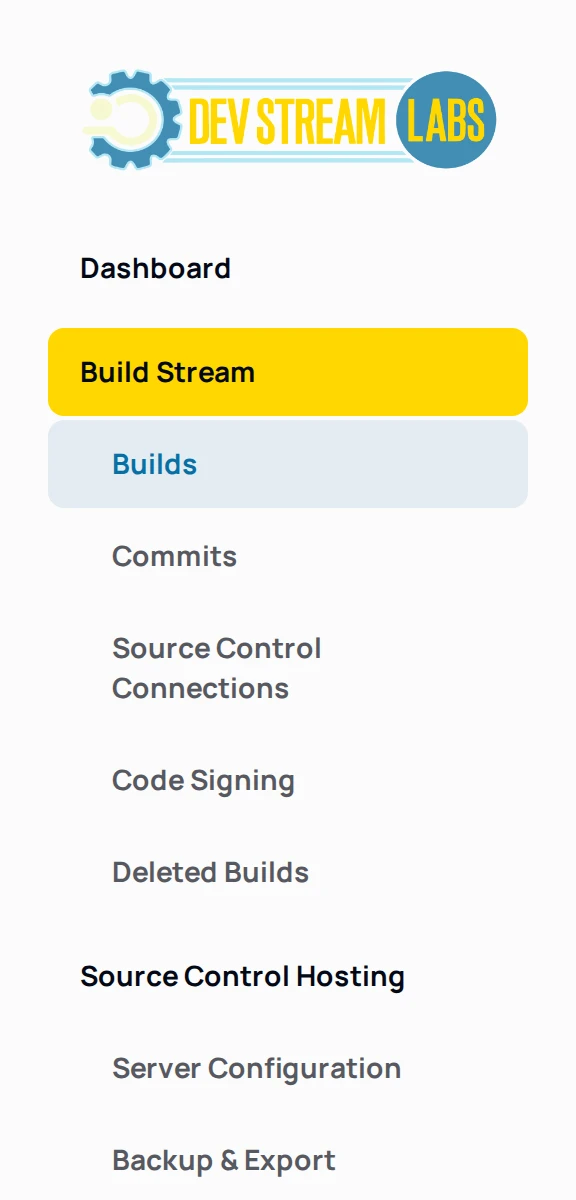
Perforce is added to a project as the Source Control Hosting service. Once it is ready, a Source Control Hosting section appears in the project sidebar with two pages. Server Configuration is where the server is created and where, in this order, its connection card, the Build on check-in card, the Code review (Swarm) card, the People panel and, on the Team plan, the Billing panel live. Backup & Export is its own page.
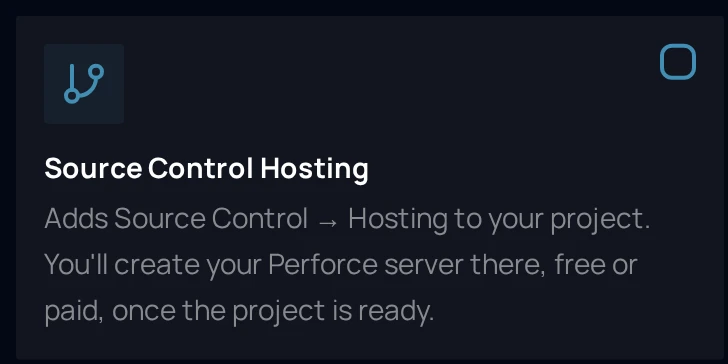
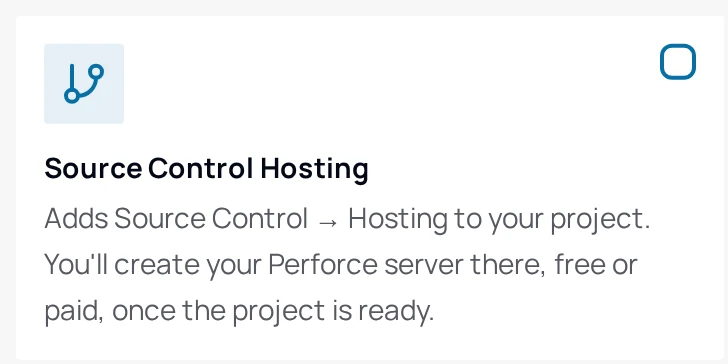
If your project does not have the service yet, add it from the sidebar's Add a Service button (the one with the plus icon), or tick Source Control Hosting on the Services step of the Add Project dialog. Its card reads: Adds Source Control → Hosting to your project. You'll create your Perforce server there, free or paid, once the project is ready.
The pages in this guide
Something out of date or unclear? Email support@devstreamlabs.com.